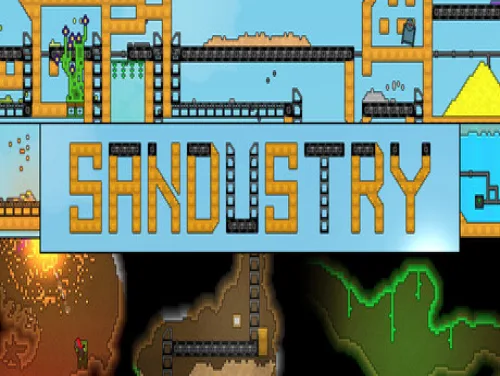
Scroll down this page to find the trainer for Sandustry.
Introducing the page of Apocanow dedicated to the trainer of Sandustry! In it we will explain how to install it and use it, in order to activate the cheats and unlock new parts of the game.
If you know other material about the trainer and you can improve this guide, we would be happy to know the details. Contact us! You will help all users who are looking for a good guide made for this topic.
Once all the premises have been completed, we will show you the promo trainer we have recovered and the guide written specifically for us by the authors of the program.
Download Trainer
This trainer adds the following cheats to this game:
Imposta Oro a 9999999 (Uno Scatto)
Imposta Energia a 9999999 (Uno Scatto)
Imposta Punto Produzione a 9999999 (Uno Scatto)
Velocità di gioco
Copyright Notice
The program you are about to download was not created by Apocanow. However, we have permission to publish, advertise and distribute it from the authors of the Sandustry Trainer. The file content is virus-free, although it may occasionally trigger a false positive.
Activating this trainer
If not state otherwise below, press F1 at main menu. Listen for 'Trainer Activated'. Press desired hotkey. All hotkeys can be changed on the trainer.
Trainer Options
# Player NumPad1: Set Gold to 9999999 (One Shot) NumPad2: Set Energy to 9999999 (One Shot) NumPad3: Set Production Point to 9999999 (One Shot) NumPad4: Game Speed
Notes
### Important – Required Launch Option For this trainer to work, the game must be launched with **Remote Debugging enabled**. 1. Open **Steam** and go to your **Library**. 2. Right-click the game and select **Properties**. 3. Under **General**, find **Launch Options**. 4. Enter the following command: `--remote-debugging-port=9222` 5. Close the Properties window and launch the game normally through Steam. 6. Once you are **in-game**, activate the trainer. **Note:** The trainer will not work if the game is already running without this launch option. If necessary, close the game completely, add the command above, and launch it again.